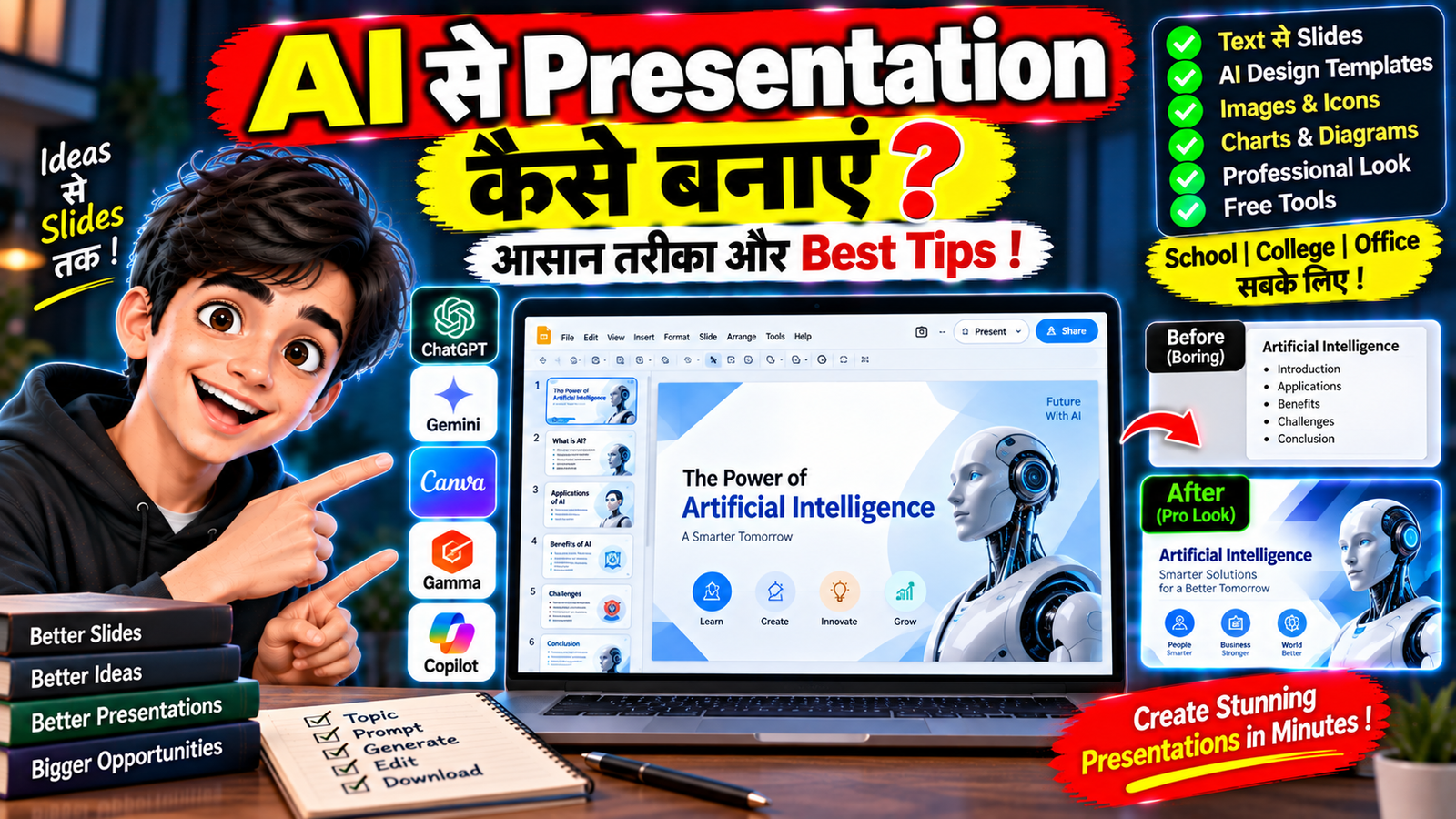
Presentation बनाना कई लोगों के लिए time-consuming काम होता है। पहले presentation तैयार करने के लिए topic research करना, slides का content लिखना, design करना और images arrange करना पड़ता था। लेकिन अब AI की मदद से presentation का outline, slide content, design और visuals तैयार करना काफी आसान हो सकता है।
अगर आप school, college, office, business या YouTube के लिए presentation बनाना चाहते हैं, तो AI आपके काम को काफी आसान कर सकता है।
इस article में हम आसान भाषा में समझेंगे कि AI से Presentation कैसे बनाएं, AI को सही prompt कैसे दें और professional-looking presentation तैयार करते समय किन बातों का ध्यान रखें।
AI Presentation क्या होती है?
AI Presentation ऐसी presentation होती है जिसे बनाने में Artificial Intelligence की मदद ली जाती है।
AI का इस्तेमाल presentation के अलग-अलग हिस्सों में किया जा सकता है:
- Topic ideas
- Presentation outline
- Slide content
- Headings
- Images और visuals
- Design suggestions
- Speaker notes
- Summary
कुछ AI tools prompt या topic देने के बाद पूरी presentation का initial draft भी तैयार कर सकते हैं।
AI से Presentation बनाने के लिए क्या चाहिए?
आपको आमतौर पर चाहिए:
- Smartphone या Computer
- Internet Connection
- AI Presentation Tool
- Presentation का Topic
- Target Audience
- जरूरी information या research material
अगर presentation किसी important academic, business या professional purpose के लिए है, तो AI-generated information को verify करना जरूरी है।
AI से Presentation कैसे बनाएं?
Step 1: Presentation का Topic तय करें
सबसे पहले topic तय करें।
उदाहरण:
“Artificial Intelligence in Education”
या:
“Digital Marketing के Basic Concepts”
Topic जितना clear होगा, AI को presentation की structure समझने में उतनी आसानी होगी।
Step 2: Audience बताएं
AI को बताएं कि presentation किसके लिए है।
उदाहरण:
“यह presentation college students के लिए है।”
या:
“यह presentation office meeting में beginners को समझाने के लिए है।”
इससे language और explanation का level audience के अनुसार रखा जा सकता है।
Step 3: Slides की संख्या बताएं
AI को यह भी बताएं कि आपको लगभग कितनी slides चाहिए।
उदाहरण:
“इस topic पर 10 slides की presentation तैयार करें।”
आप चाहें तो title slide, introduction, main points, examples, conclusion और Q&A slide भी specify कर सकते हैं।
Step 4: AI को Prompt दें
एक detailed prompt presentation को ज्यादा structured बनाने में मदद कर सकता है।
उदाहरण:
“Artificial Intelligence in Education पर 10-slide presentation तैयार करें। Audience college students है। Language simple Hindi-English रखें। हर slide पर short bullet points रखें और practical examples शामिल करें। अंत में conclusion और key takeaways दें।”
AI इसके आधार पर presentation की outline तैयार कर सकता है।
Presentation की Structure कैसे रखें?
एक सामान्य presentation को इस तरह organize किया जा सकता है:
Slide 1: Title
Slide 2: Introduction
Slide 3: Problem या Background
Slide 4: Main Concept
Slide 5: Important Features
Slide 6: Examples
Slide 7: Benefits
Slide 8: Limitations
Slide 9: Key Takeaways
Slide 10: Conclusion / Q&A
Topic के अनुसार structure बदला जा सकता है।
AI से Slide Content कैसे लिखवाएं?
Presentation में बहुत ज्यादा text डालना अच्छा idea नहीं है।
AI को साफ instruction दें:
“हर slide पर maximum 4–5 short bullet points रखें और लंबे paragraphs न लिखें।”
इससे slides ज्यादा readable रह सकती हैं।
Presentation का पूरा explanation speaker बोलकर दे सकता है, जबकि slide पर केवल key points रखे जा सकते हैं।
AI से Presentation Design कैसे बनाएं?
कुछ AI tools content के साथ presentation design भी suggest या generate कर सकते हैं।
आप prompt में design style बता सकते हैं:
- Minimal
- Professional
- Corporate
- Modern
- Educational
- Creative
- Dark
- Clean
उदाहरण:
“Presentation का design modern और minimal रखें, ज्यादा colors और unnecessary elements का इस्तेमाल न करें।”
AI से Presentation में Images कैसे Add करें?
Visuals presentation को ज्यादा engaging बना सकते हैं।
AI की मदद से topic के अनुसार:
- Illustrations
- Diagrams
- Icons
- Concept images
- Charts
जैसे visuals तैयार या suggest किए जा सकते हैं।
लेकिन हर slide पर image लगाना जरूरी नहीं है। जिस slide पर visual information को समझाने में मदद मिले, वहीं image या diagram इस्तेमाल करना बेहतर हो सकता है।
AI से Presentation में Chart कैसे बनाएं?
अगर आपके पास data है तो AI की मदद से उसे presentation-friendly format में organize किया जा सकता है।
उदाहरण:
“इन sales numbers को एक simple bar chart के लिए organize करें और मुख्य observations बताएं।”
लेकिन important business या financial data में numbers को manually verify करना जरूरी है।
AI को data invent करने के बजाय केवल दिए गए verified data पर काम करने के लिए कहना बेहतर है।
AI Presentation में Speaker Notes कैसे बनाएं?
अगर आपको presentation देते समय हर slide पर क्या बोलना है, यह याद रखने में परेशानी होती है तो AI से speaker notes भी तैयार कर सकते हैं।
उदाहरण:
“हर slide के लिए 30–45 seconds की simple speaker notes तैयार करें।”
इससे slide पर कम text रखते हुए presentation के दौरान ज्यादा detailed explanation दी जा सकती है।
Hindi में AI Presentation कैसे बनाएं?
अगर आपको Hindi presentation चाहिए तो prompt में language स्पष्ट करें।
उदाहरण:
“पूरी presentation सरल हिंदी में बनाएं और technical terms को जरूरत पड़ने पर English में रखें।”
अगर audience Hinglish आसानी से समझती है तो:
“Presentation को simple Hindi और Hinglish में रखें।”
इससे content ज्यादा natural हो सकता है।
AI Presentation को Professional कैसे बनाएं?
Professional presentation के लिए इन बातों का ध्यान रखें:
1. एक Consistent Design रखें
पूरी presentation में similar fonts, layout और visual style रखें।
2. Text कम रखें
Slide पर केवल important information रखें।
3. Clear Headings इस्तेमाल करें
Viewer को हर slide का purpose तुरंत समझ आना चाहिए।
4. Visual Hierarchy रखें
Important information को size, spacing या emphasis के जरिए अलग दिखाएं।
5. Unnecessary Animation से बचें
हर element को animate करने की जरूरत नहीं है।
AI Presentation बनाते समय Common Mistakes
बहुत ज्यादा Text
AI कभी-कभी slides में बहुत ज्यादा information डाल सकता है। उसे short bullet points में बदलें।
गलत Information
AI-generated facts को बिना verification के presentation में इस्तेमाल न करें।
हर Slide पर बहुत सारे Elements
Images, icons, charts और text सब कुछ एक साथ डालने से slide cluttered हो सकती है।
Inconsistent Design
अलग-अलग slides में अलग style इस्तेमाल करने से presentation असंगठित दिखाई दे सकती है।
AI पर पूरी तरह निर्भर रहना
AI draft तैयार कर सकता है, लेकिन final presentation को अपनी audience और purpose के अनुसार review करना जरूरी है।
AI Presentation Free में बना सकते हैं?
यह इस्तेमाल किए गए tool पर निर्भर करता है।
कुछ AI presentation tools limited free features या credits देते हैं, जबकि ज्यादा slides, advanced designs, exports या collaboration features के लिए paid plan की जरूरत हो सकती है।
इसलिए tool इस्तेमाल करने से पहले उसकी current limits और terms check करना बेहतर है।
क्या AI से बनी Presentation को PowerPoint में इस्तेमाल कर सकते हैं?
यह आपके इस्तेमाल किए गए AI tool के export options पर निर्भर करता है। कुछ tools presentation को PowerPoint-compatible format में export करने की सुविधा दे सकते हैं, जबकि कुछ में PDF या दूसरे formats उपलब्ध हो सकते हैं।
Export करने के बाद presentation को एक बार manually review करना जरूरी है।
Presentation बनाने के लिए Best AI Prompt
आप यह basic prompt इस्तेमाल करके शुरुआत कर सकते हैं:
“[Topic] पर [Number] slides की presentation तैयार करें। Audience [Audience] है। Language [Hindi/English/Hinglish] रखें। हर slide पर short bullet points दें। Introduction, main concepts, examples, benefits, limitations और conclusion शामिल करें। Design modern और clean रखें तथा unnecessary text से बचें।”
इसे अपने topic के अनुसार customize किया जा सकता है।
Frequently Asked Questions
क्या AI से पूरी Presentation बन सकती है?
हाँ, कुछ AI tools topic और instructions के आधार पर presentation का initial draft, slide content और design तैयार कर सकते हैं।
क्या Mobile से AI Presentation बना सकते हैं?
हाँ, अगर इस्तेमाल किया गया AI tool mobile browser या app को support करता है तो smartphone से भी presentation तैयार की जा सकती है।
क्या AI Presentation Hindi में बना सकता है?
हाँ, कई AI tools Hindi या Hinglish content तैयार कर सकते हैं। हालांकि language quality tool के अनुसार अलग हो सकती है।
क्या AI Presentation में Images और Charts जोड़ सकता है?
कुछ AI presentation tools visuals, diagrams या charts generate या suggest कर सकते हैं। Features हर tool में अलग होते हैं।
निष्कर्ष
AI की मदद से presentation बनाना काफी आसान हो गया है। आप AI का इस्तेमाल outline, slide content, visuals, design और speaker notes तैयार करने के लिए कर सकते हैं।
सबसे अच्छा तरीका यह है कि AI से पहले एक structured draft तैयार करवाएं और फिर उसमें अपनी verified information, examples और जरूरी changes जोड़ें। इससे presentation समय भी बचा सकती है और audience के लिए ज्यादा clear भी बन सकती है।